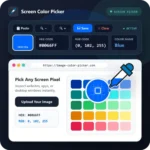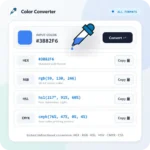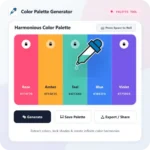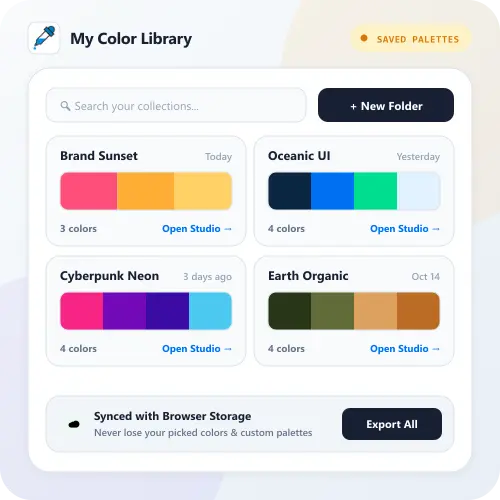
My Library is a personal color workspace created to make it easy for graphic designers and web designers to save and organize their favorite color palettes, CSS gradients, picked color codes, and reference images. Unlike other tools that limit how many palettes you can save, Image-Color-Picker.com provides unlimited saved palettes, unlimited projects, and unlimited collections 100% free forever, stored privately in your device’s browser.
How to Use It
1. Save Colors or Palettes. Click the Save to Library button on the Image Color Picker, Palette Generator, or Gradient Maker tool to store your work.
2. Organize into Projects & Collections. Create unlimited Projects and Collections above to group your color schemes by client, brand, or website design.
3. Copy, Share, or Export Backup. Click any saved palette to copy its HEX codes, generate a shareable link, or click Export Backup (JSON) to save your library file on your device.