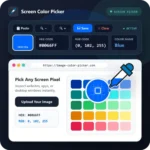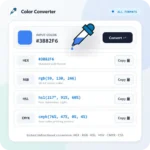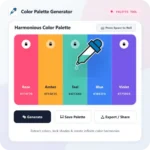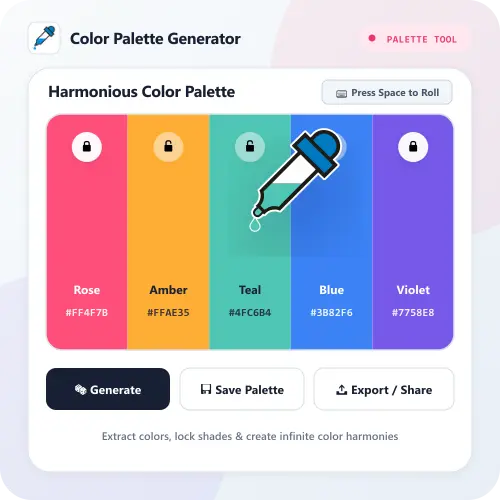
Extracting a color palette from an image, in seconds you get color combinations, by simply upload an image using upload button below. You will get colors extracted from the image you uploaded, complete with color name and hex color code or get color ideas from random images.
How to Use It
1. Upload Image or Generate. Upload an image from your device or press the Generate button to get random color scheme ideas in seconds.
2. Lock & Customize Colors. Click the lock icon on the colors you want to keep and adjust the harmony mode to see matching color combinations.
3. Copy or Save Palette. Copy the HEX color code with one click, export the palette to PNG/CSS, or save the color palette to your free library.