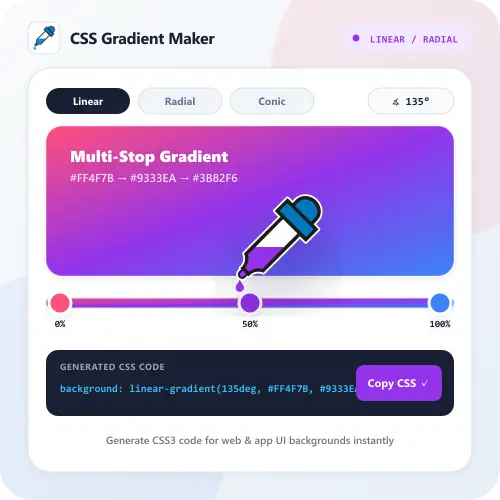
CSS Gradient Maker is an online tool used to create smooth color transitions between two or more colors for websites, UI backgrounds, and graphic design projects. Another advantage of this tool is that you can preview Linear, Radial, and Conic gradients in real time, copy the ready-to-use CSS code, or download the gradient as a high-resolution PNG image directly on your device.
How to Use It
1. Select Gradient Type & Angle. Choose between Linear, Radial, or Conic gradient mode and drag the angle slider to adjust the direction of the color transition.
2. Pick Color Stops. Click on the color stops to choose your colors, adjust their percentage position with the slider, or click Add Stop to combine more colors.
3. Copy CSS Code or Download. After your gradient is ready, click Copy CSS to paste it into your website stylesheet, or click Export PNG / Save to Library.