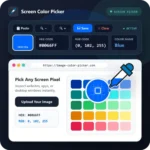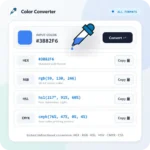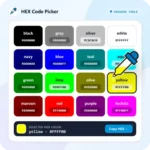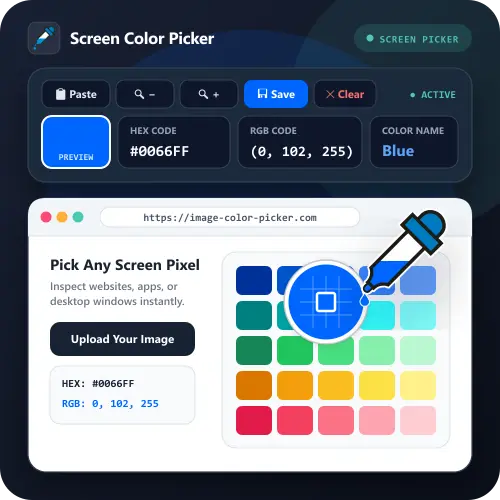
If you want to know the color code on the screen or color on the website quickly, this tool is perfect for you and becomes an alternative to being able to choose the color in the image, if you don’t have the image file.
How to Use It
1. Print Screen. Capture screen or window by pressing PrtScn or Alt+PrtScn (or ⌘ Command+⇧ Shift+3 / 4 on Mac).
2. Paste. Paste in this page by pressing Ctrl+V (or ⌘ Command+V).
3. Choose the Color. Click on image to get HEX and RGB color code. You can also zoom in on the image by pressing the zoom in button to get the detail or color you want in the image.